
Description
Introduction: Epson Adjustment Program for L130 L220 L310 L360 L365 – Waste Ink Pad Reset Tool
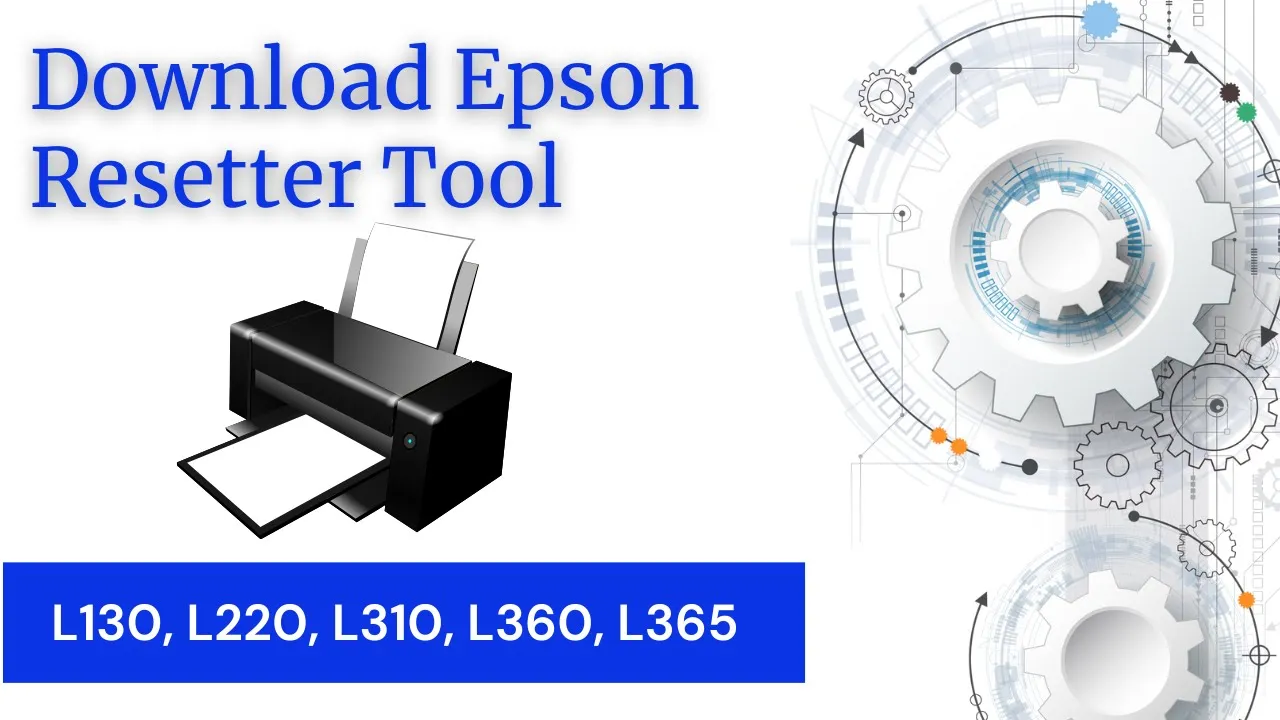
Looking for a reliable solution to reset your Epson printer waste ink pad counter? The Epson Adjustment Program (Reset Tool) for Epson L130, L220, L310, L360, and L365 helps you quickly fix the “Service Required” or “Ink Pad is at the End of Its Service Life” error without visiting a service center.
This professional Epson reset utility allows users to reset waste ink pad counters, restore printer functionality, and get their Epson EcoTank printer working again within minutes.
Compatible Epson Printer Models
This Epson Adjustment Program supports the following printer models:
- Epson L130 Reset Tool
- Epson L220 Reset Tool
- Epson L310 Reset Tool
- Epson L360 Reset Tool
- Epson L365 Reset Tool
Perfect for home users, offices, cyber cafes, printing shops, and technicians.
Key Features of Epson Reset Tool
- Reset Waste Ink Pad Counter
- Fix “Service Required” Error
- Easy-to-Use Interface
- Instant Digital Download
- Supports Windows Operating System
- Fast Printer Recovery
- No Hardware Modification Required
- Safe & Secure Adjustment Utility
Common Printer Errors Fixed
This Epson Adjustment Program can solve issues like:
- “A Printer’s Ink Pad is at the End of Its Service Life”
- “Service Required”
- Red Light Blinking Error
- General Printer Lock Problems
- Waste Ink Counter Overflow
Why Choose This Epson Adjustment Program?
✔ 100% Working Reset Utility
✔ Easy Installation & Activation
✔ Technician Recommended Software
✔ Saves Service Center Charges
✔ Quick Reset Within Minutes
✔ Suitable for Beginners & Professionals
How to Use Epson Reset Tool
- Download the Epson Adjustment Program
- Extract the ZIP/RAR file
- Run the Adjustment Program as Administrator
- Select your printer model
- Open “Waste Ink Pad Counter”
- Click “Check” and then “Initialize”
- Restart your printer
Your Epson printer will be ready to use again.
System Requirements
- Windows 7 / 8 / 10 / 11
- USB Connection Required
- Disable Antivirus Temporarily During Installation (if needed)
Package Includes
- Epson Adjustment Program Software
- Activation Key (if applicable)
- Installation Guide
- Technical Support Assistance
Important Note
This product is a digital download software only. No physical item will be shipped. Ensure your printer model matches before purchasing. The file is password protected and the password is : “tech123”
Amit –
Thanks for helping!
Sunita Jain –
I tried multiple times, from other websites but just waste of my money and time, Thanks to you to save my time and energy! Much Appreciated..
Gagandeep Singh –
Excellent reset tool! My Epson L360 was showing the ‘Service Required’ error, and this program fixed it within minutes. Easy to use and saved me a costly service center visit.
Kajal Arora –
I used it on my Epson L220 and the waste ink pad counter reset perfectly. The instructions were clear, and my printer is working like new again
Mohit –
Fast, reliable, and effective. My L130 printer was completely locked due to the ink pad error, but this adjustment program solved the problem instantly
Navdeep Walia –
Great software for Epson users. I successfully reset my L365 without any technical knowledge. Highly recommended for anyone facing blinking light issues.
Divya Nanda –
The tool worked exactly as advertised. My Epson L310 was back to printing in less than 10 minutes. Very satisfied with the results.
Tarsem Singh –
I was worried about replacing my printer, but this resetter saved the day. The process was simple, and the printer started working immediately after the reset.
Chandan Sikri –
Bahut hi useful software hai! Mere Epson L360 mein Service Required error aa raha tha, is tool se sirf 5 minute mein problem solve ho gayi. Highly recommended!
Peter Wilson –
Reliable and user-friendly. I used it on my Epson L360, and the entire process was smooth. My printer is running flawlessly again.
Manoj Tiwari –
Red light blinking problem se pareshan tha, lekin is adjustment program ne instantly fix kar diya. Ab printer bilkul smoothly chal raha hai.
Suresh –
Fast aur reliable tool hai. Installation aur reset process dono simple the. Definitely recommend karunga.
Dolly Bhalla –
This adjustment program is a must-have for Epson L-Series users. It helped me fix the red blinking lights issue and avoid unnecessary repair costs.
Anna Smith –
Product working fine, Thanks!